Aesthetic calculator themes
Calsee is a calculator that changes its whole look when you swipe the display: colours, key shapes, how a key moves when you press it, the type, the background and the key sound. Twelve styles, millions of combinations, and every one of them made on your phone.
Ten themes from the app
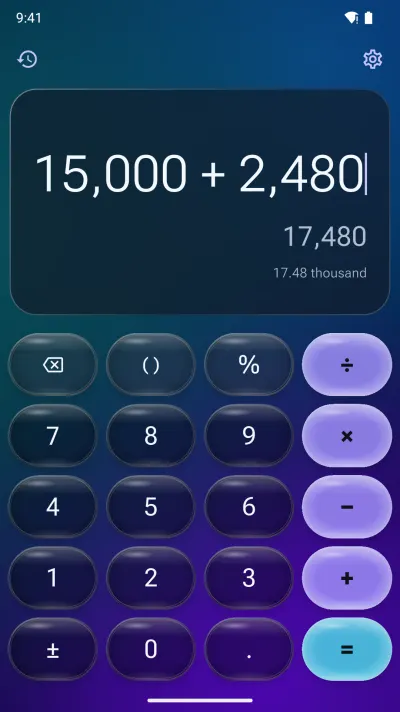
Midnight LensLiquid Glass 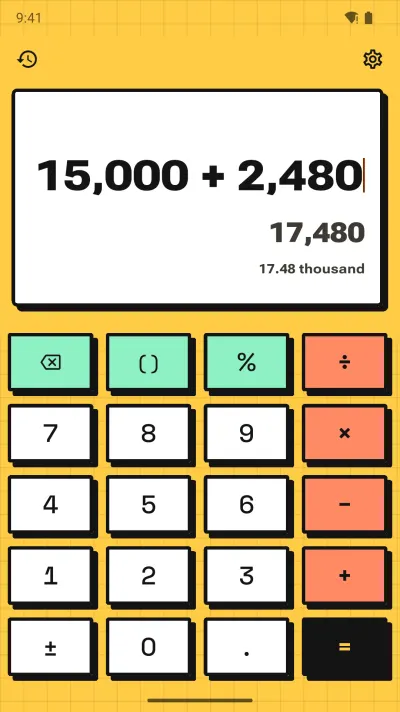
Mango StickerNeo-brutalism 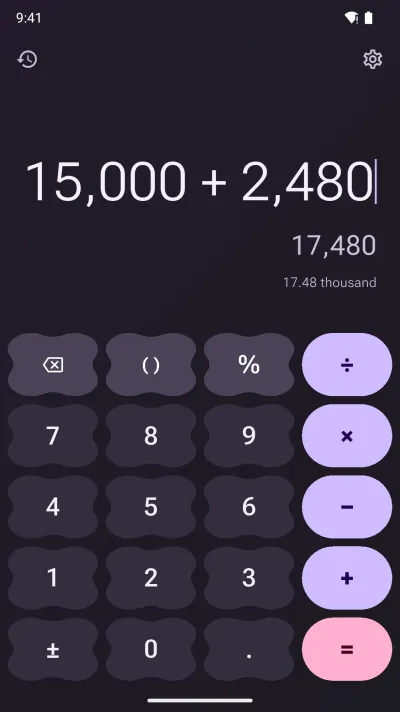
Lavender DuskMaterial 3 Expressive 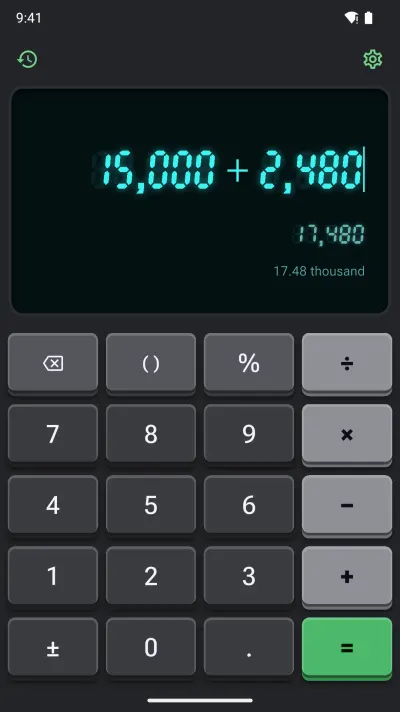
Cyan TubeRetro hardware 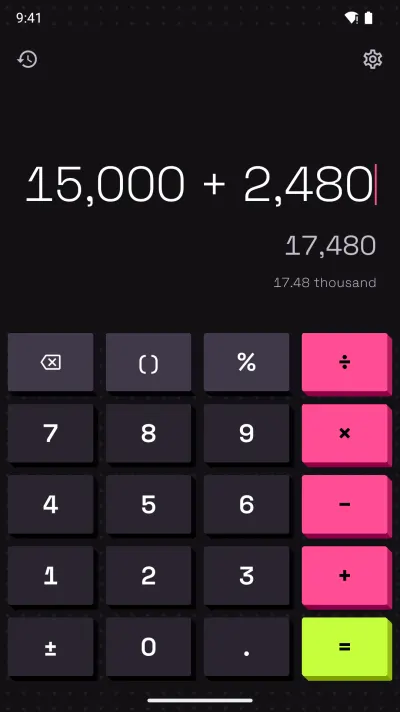
Voltage PinkNeoPOP 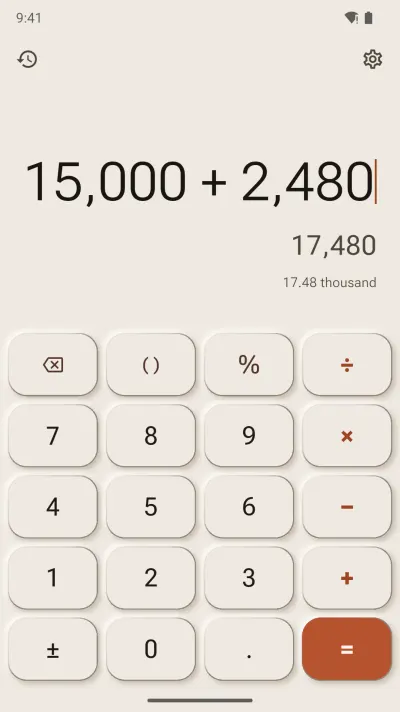
Porcelain MorningNeumorphism 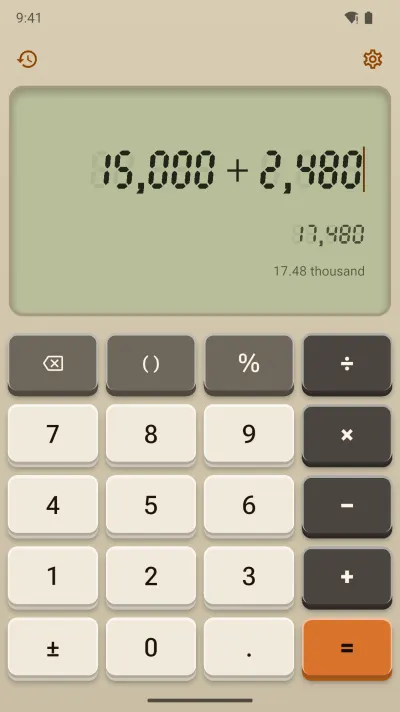
Oatmeal DeskRetro hardware 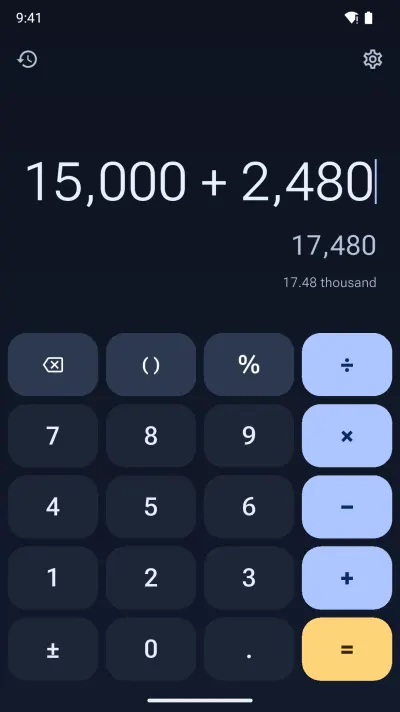
Midnight SapphireMaterial 3 Expressive 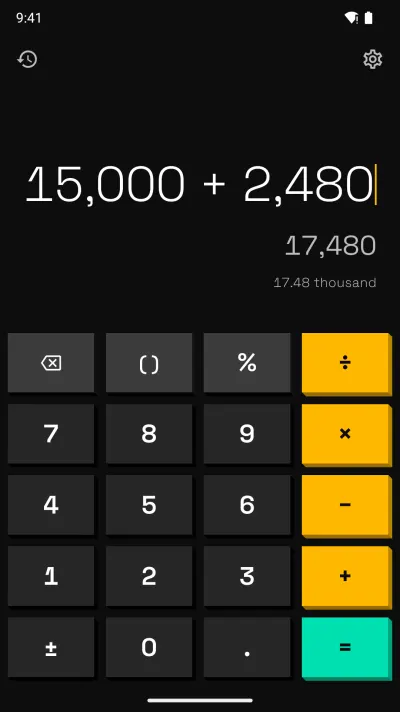
Electric MangoNeoPOP 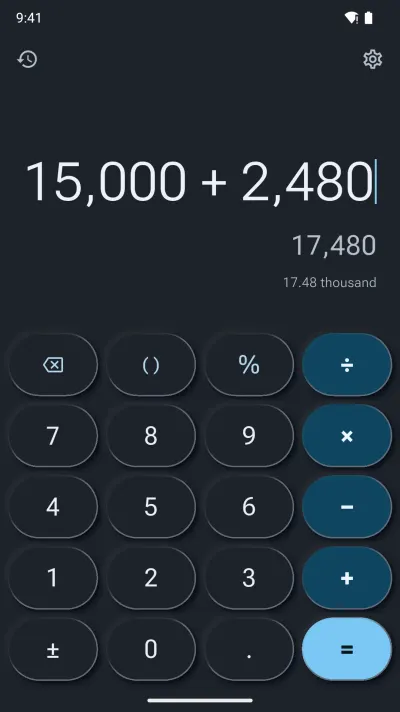
Slate NocturneNeumorphism
The twelve styles
Each style has its own rules for shape, depth and motion, so a swipe can take you from frosted glass to a 1980s desk calculator. Palettes vary inside every style, light and dark.
-
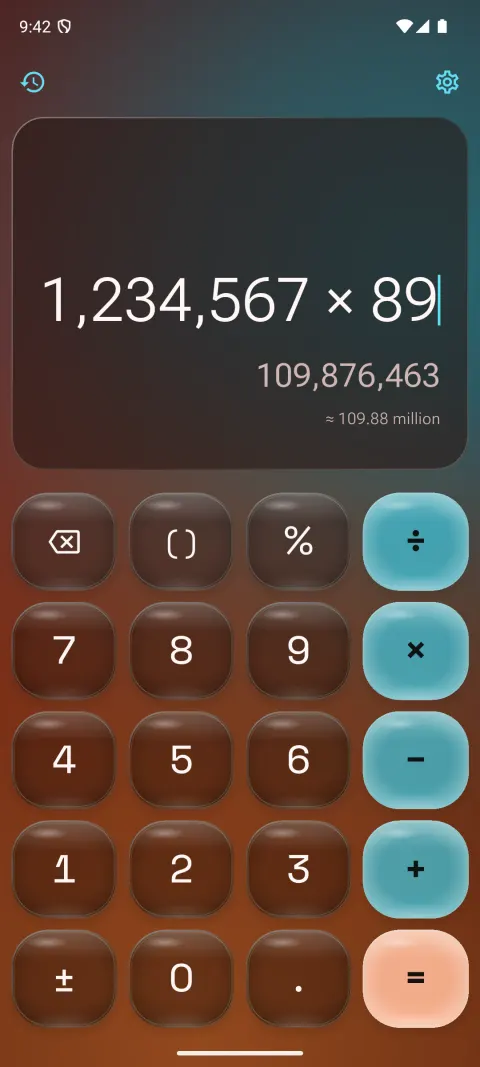
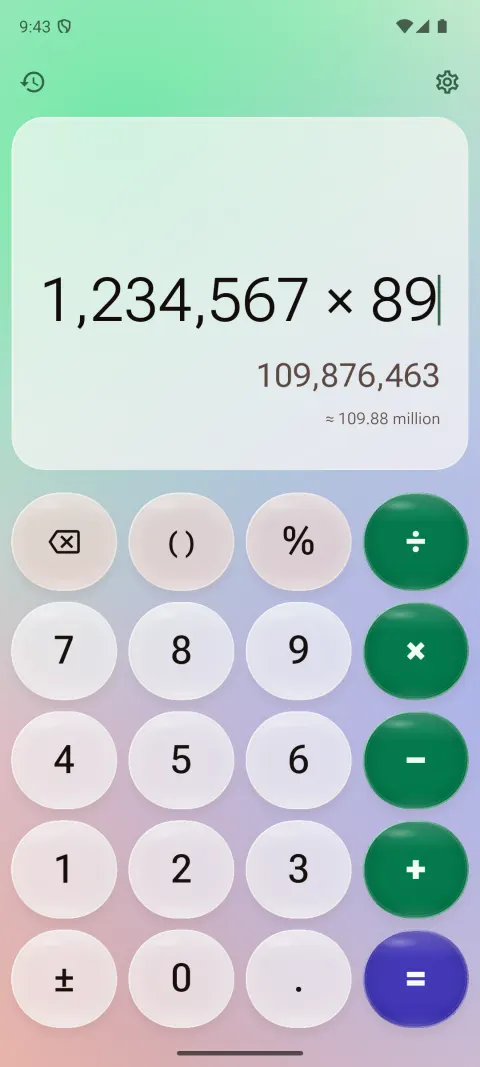
Liquid Glass
A glass calculator: translucent keys over a drifting colour mesh, with a highlight and a rim that catches the light. Smoky dark glass or milky light glass.
- Press
- The key swells, glows and wobbles back
- Sound
- Glass
-
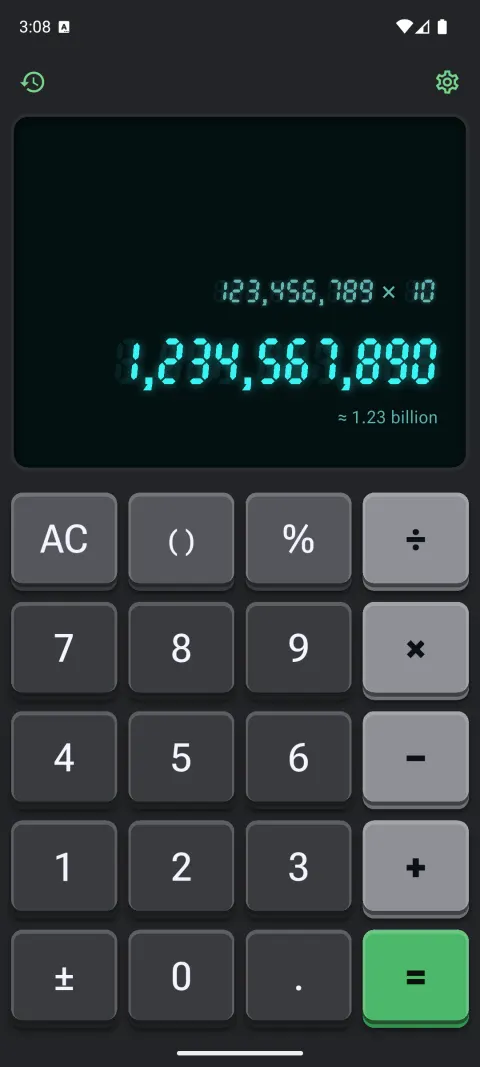
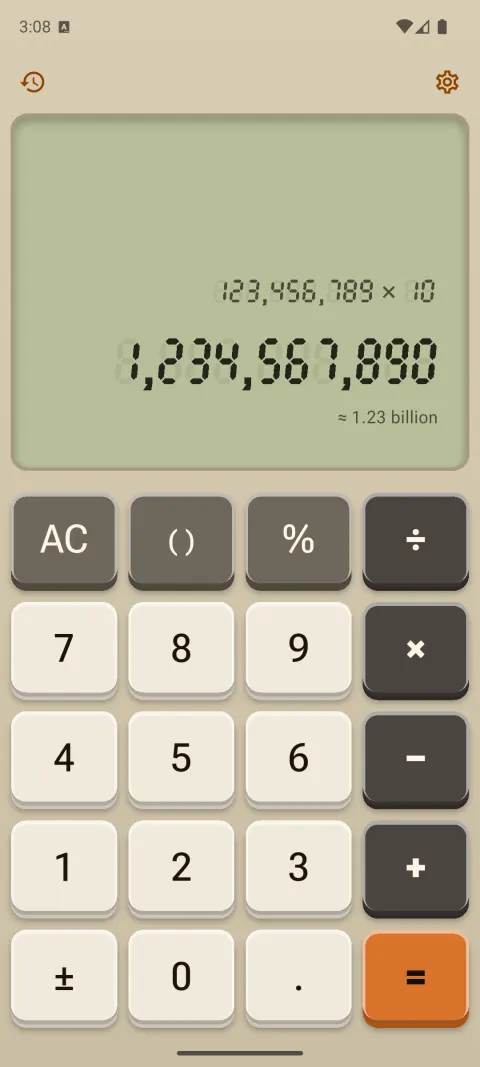
Retro hardware
A retro calculator with real keycap travel: beige desk models, black pocket ones, and seven-segment digits on a green LCD or a glowing vacuum-fluorescent tube.
- Press
- The bevel flips, with a mechanical tick
- Sound
- Retro beep or mechanical clicky
-
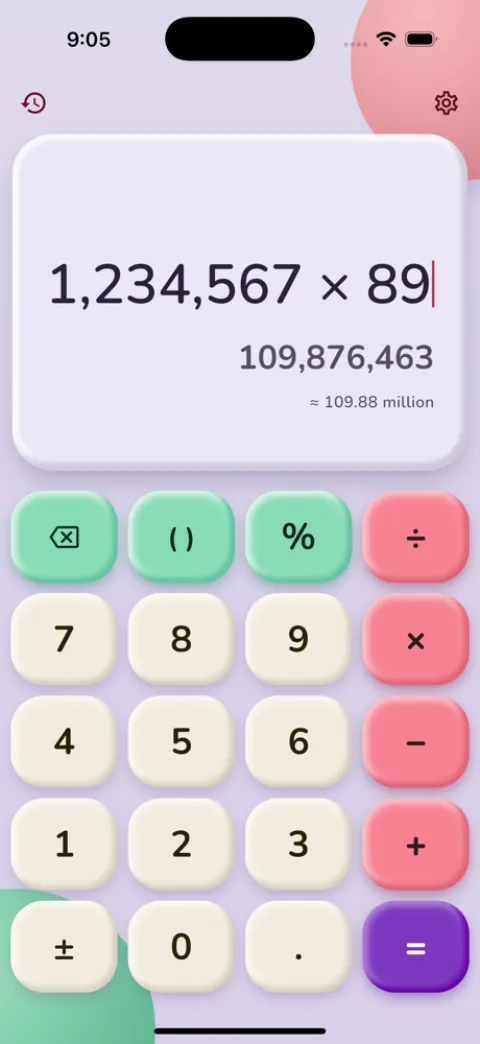
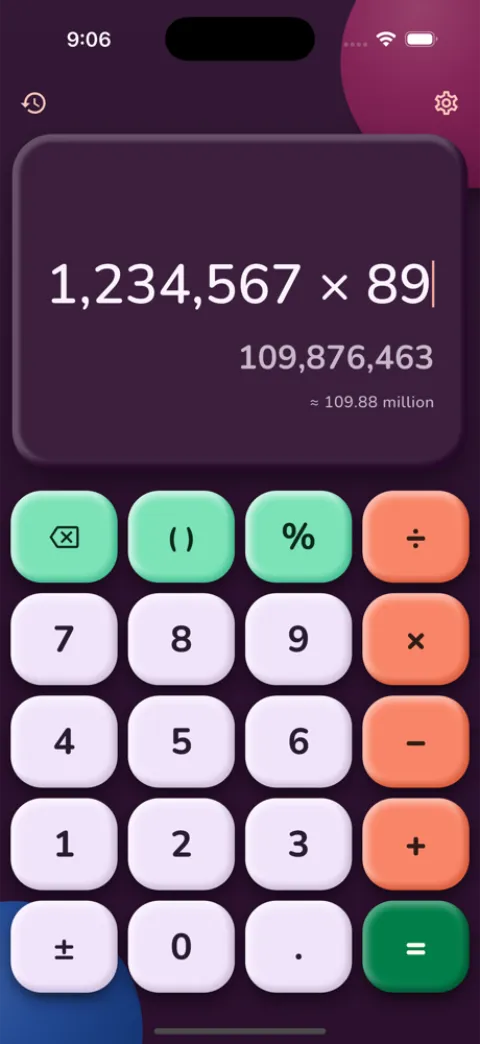
Claymorphism
A cute, pastel calculator. Big puffy keys moulded from soft clay with tinted shadows and a gummy equals key, in candy, tonal or night colours.
- Press
- The key squashes, then springs back
- Sound
- Pop
-
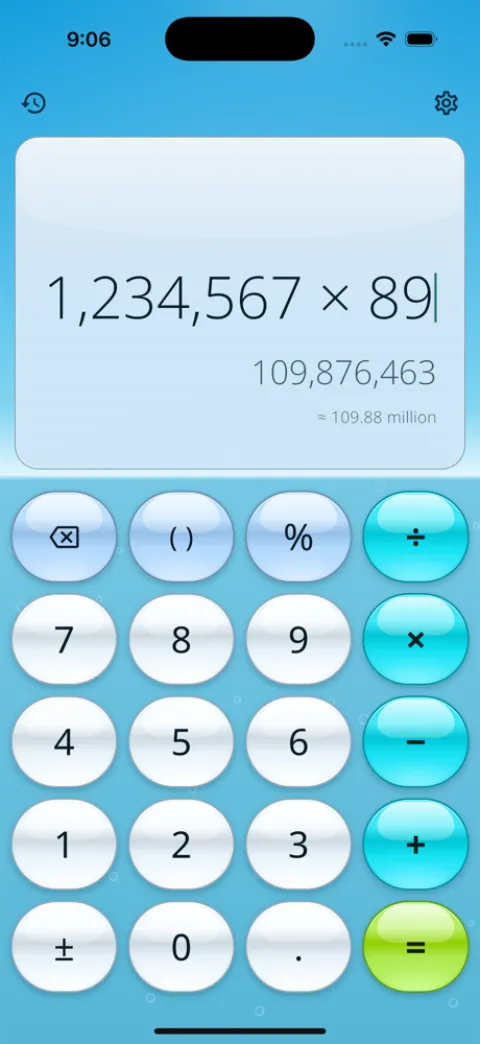
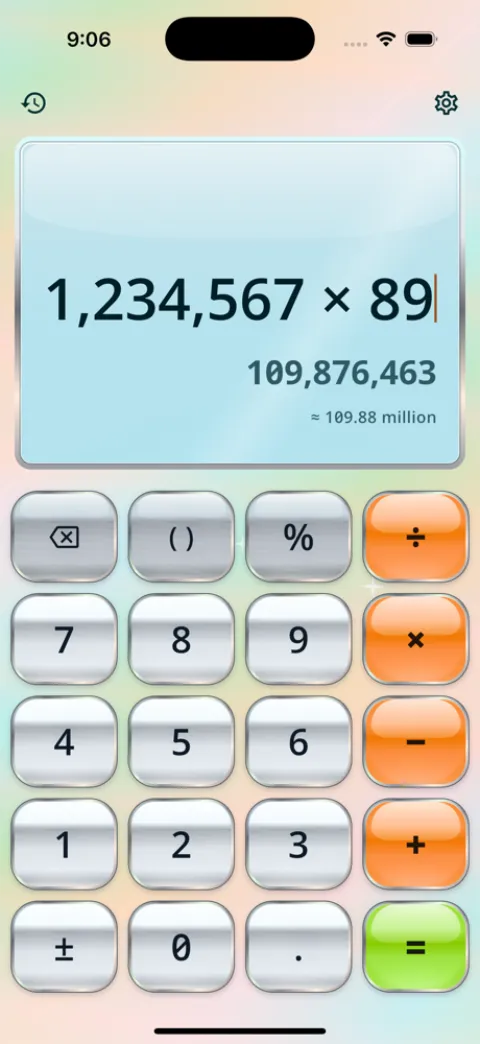
Y2K Aero
Glossy gel buttons with a bright cap of light, over a blue sky, sunlit hills or lagoon water. Or satin chrome with holographic foil.
- Press
- The gloss flares, then a sheen sweeps across
- Sound
- Glass
-
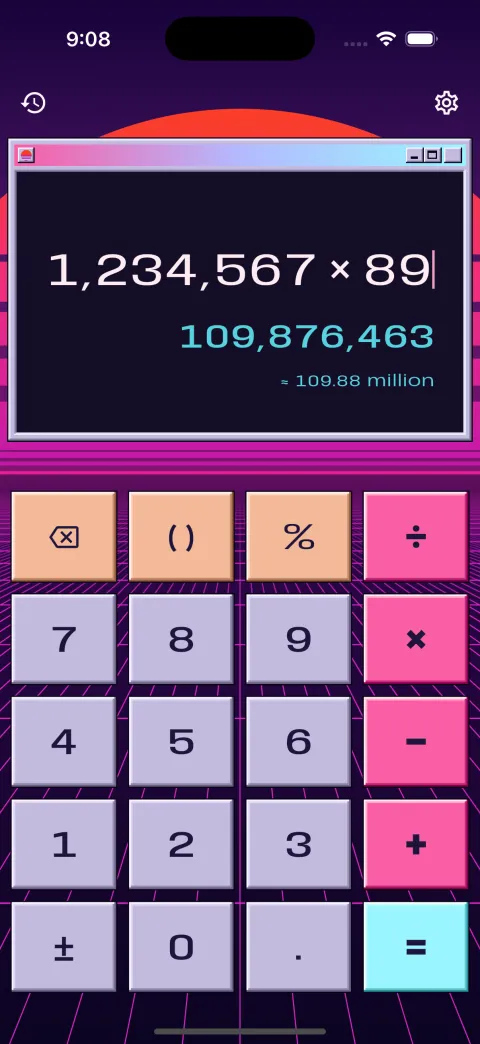
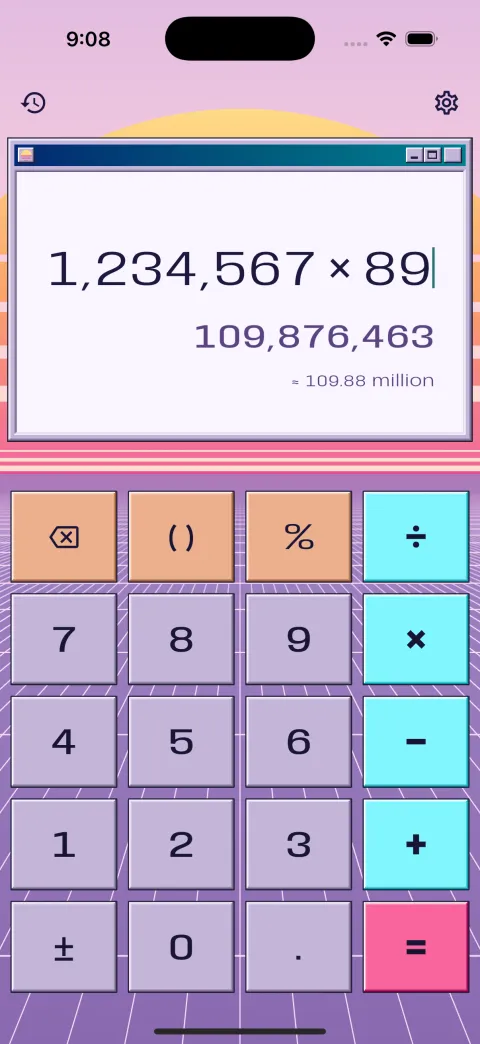
Vaporwave
Pastel desktop-window buttons, a striped sunset and a neon grid drifting below. Dusk or daytime pastels.
- Press
- The bevel flips inward
- Sound
- Soft tap
-
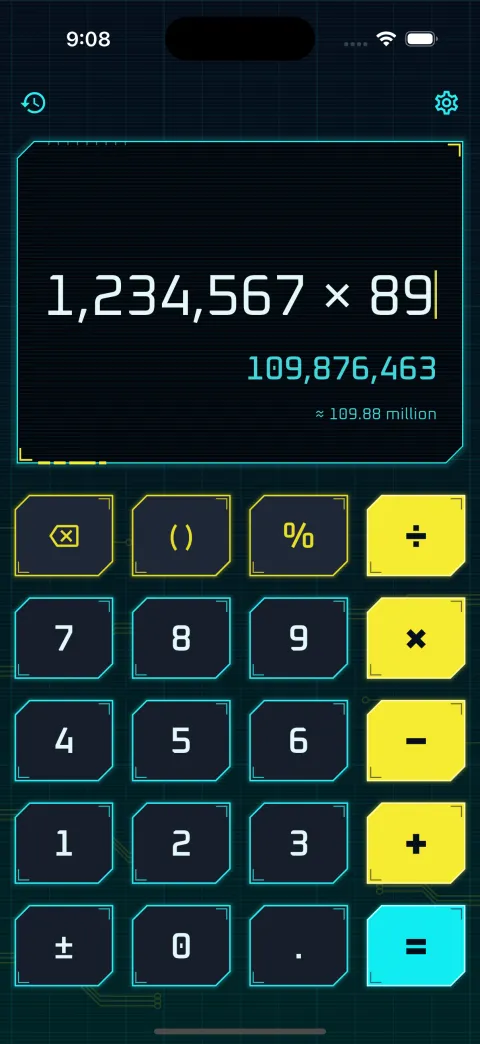
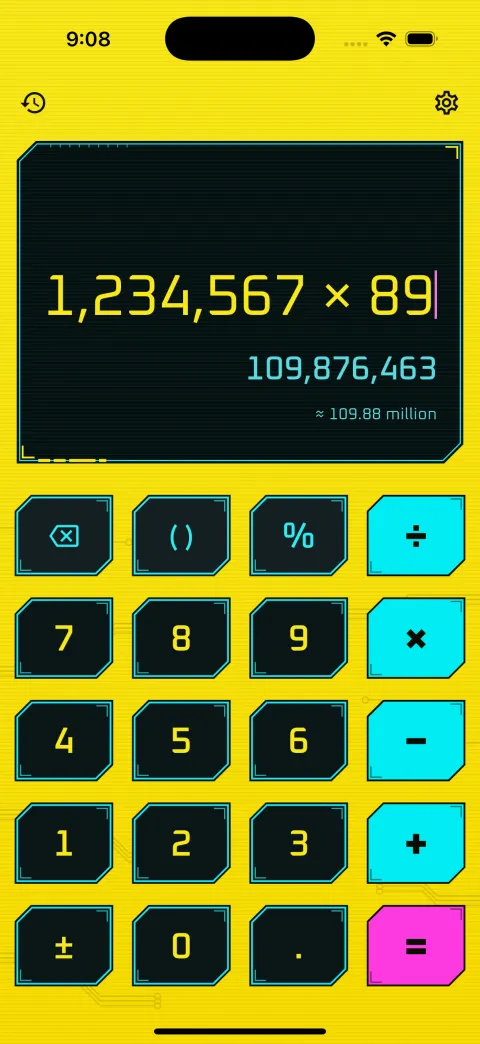
Cyberpunk
Dark plates with cut corners and a neon edge, over a glowing grid and circuit traces, with a heads-up display for the sum.
- Press
- The neon flares and the plate drops
- Sound
- Mechanical (tactile)
-
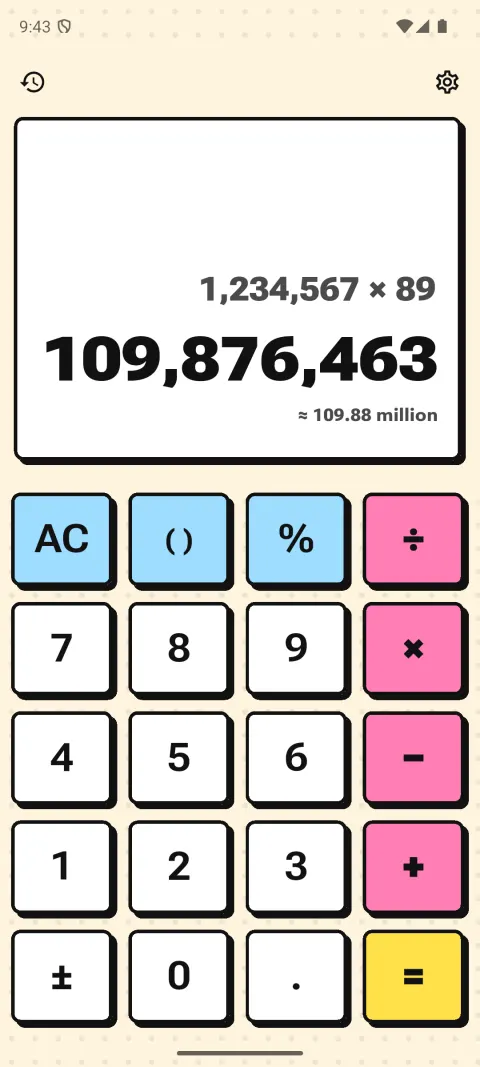
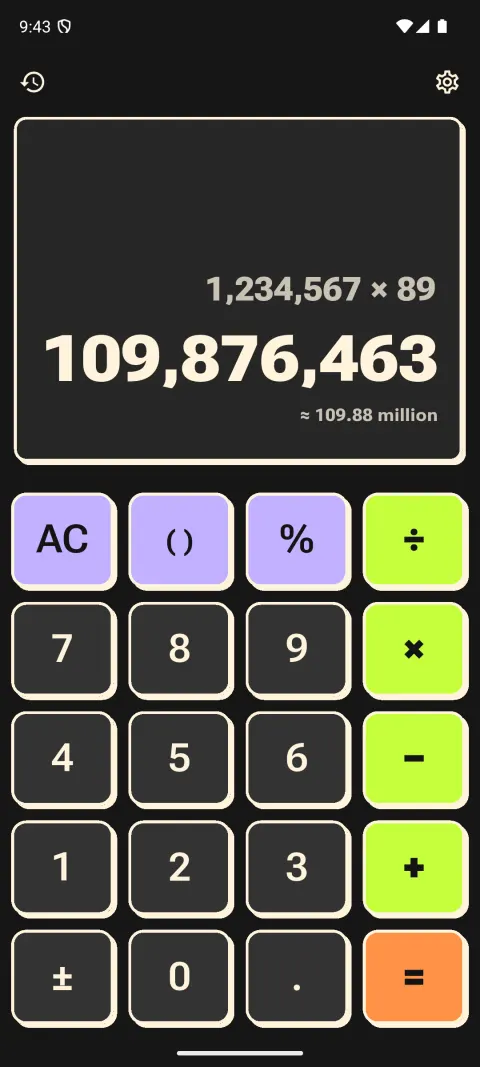
Neo-brutalism
Flat poster colour or plain paper, thick black outlines and hard shadows with no blur. Loud, flat operators.
- Press
- The key slides into its own shadow
- Sound
- Mechanical (linear)
-
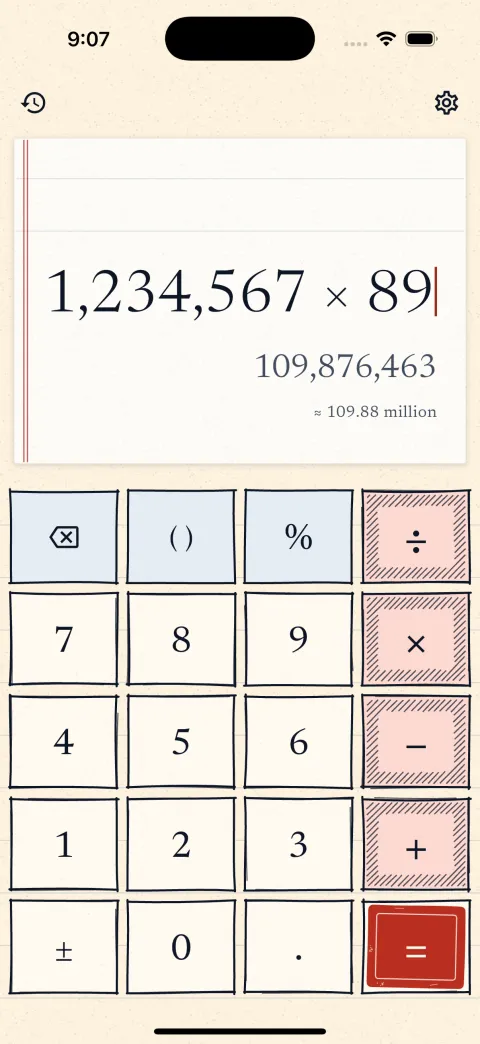
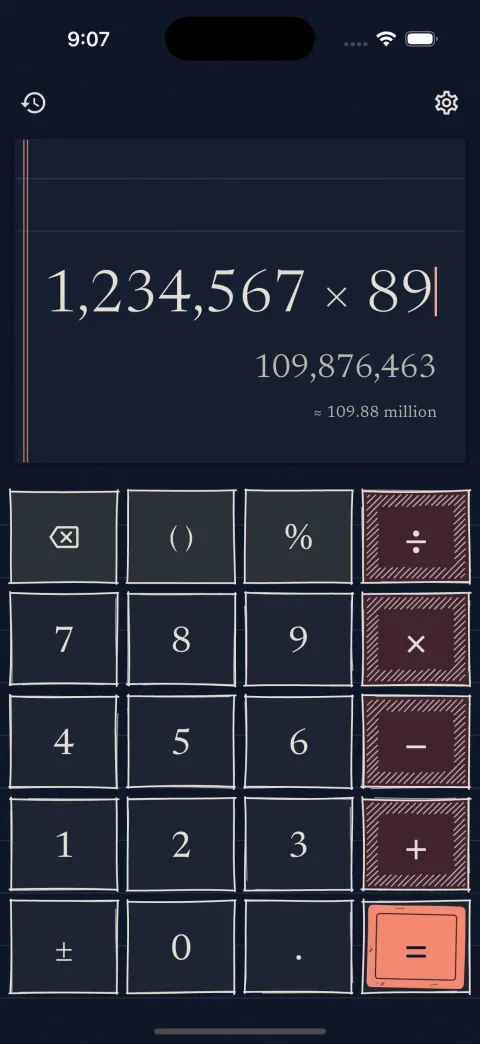
Paper and ink
Keys drawn in fineliner on cream, graph or blackboard paper. Operators are hatched and the equals key is a rubber stamp.
- Press
- The outline redraws and an ink blot spreads
- Sound
- Typewriter
-
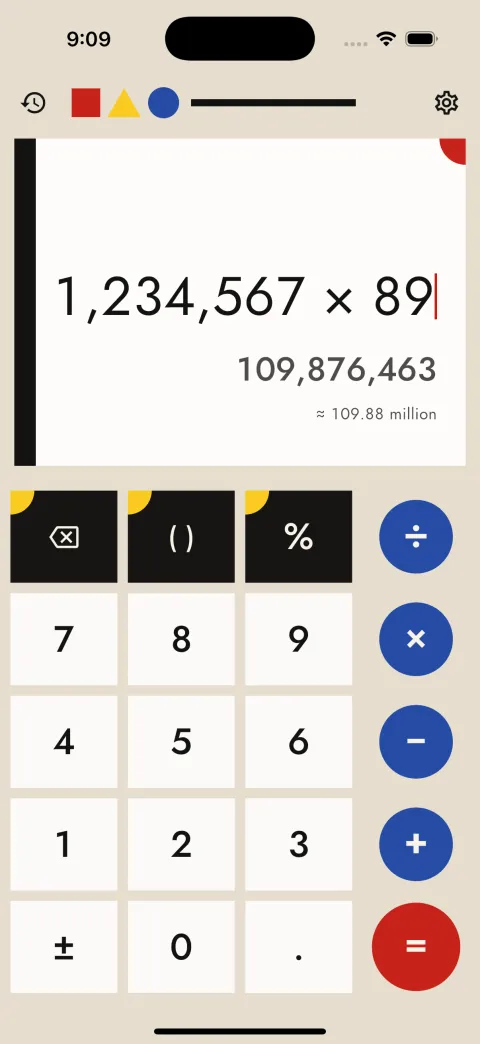
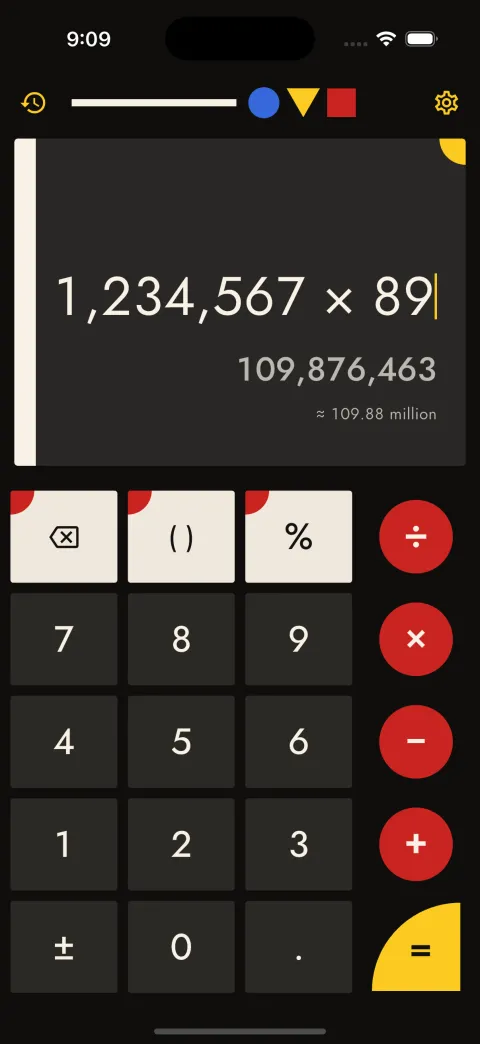
Bauhaus
Red, yellow and blue on cream or black and nothing else. Digits are blocks, operators are discs, and the equals key is a shape of its own.
- Press
- Figure and ground swap
- Sound
- Wood
-
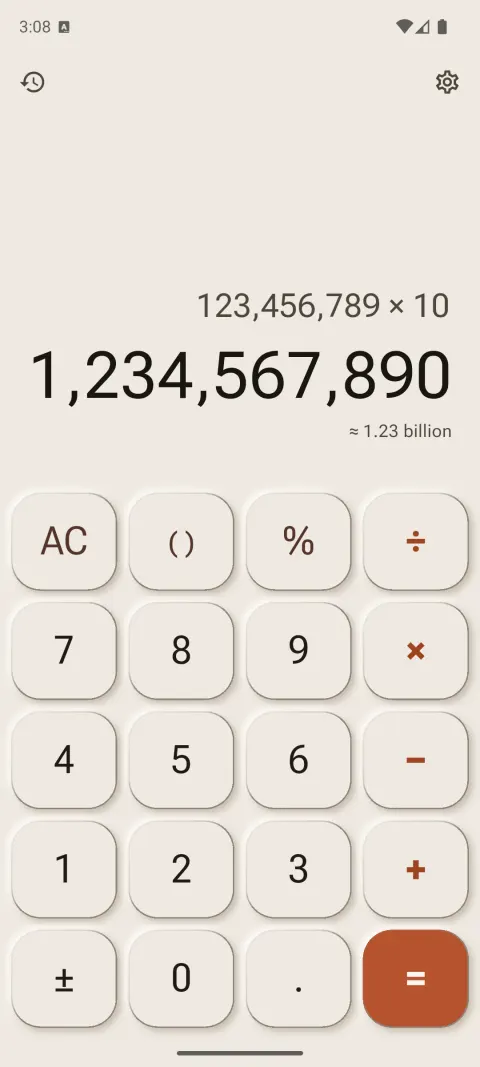
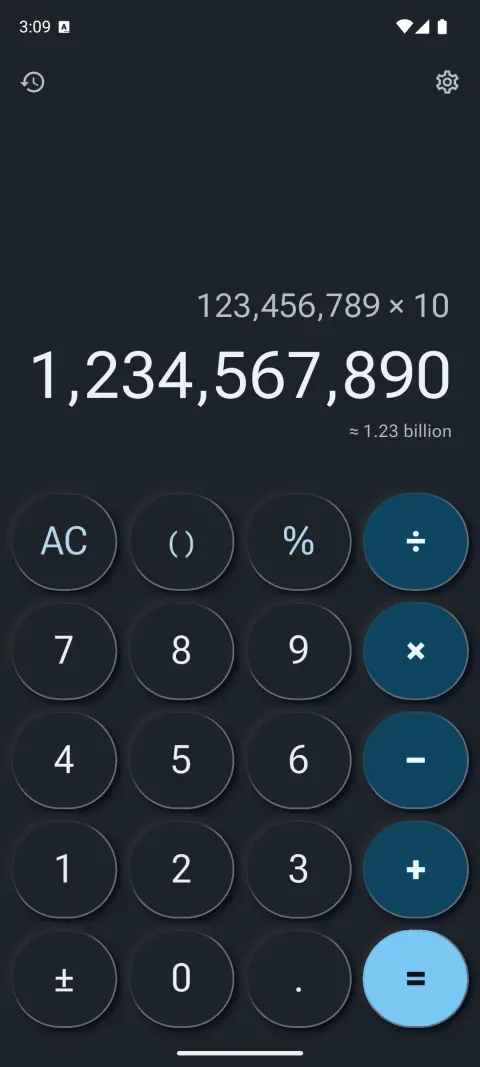
Neumorphism
Soft keys sculpted out of one surface, tuned to pass the contrast checks that classic neumorphism fails. Cream, slate and everything between.
- Press
- The shadow turns inward
- Sound
- Tick
-
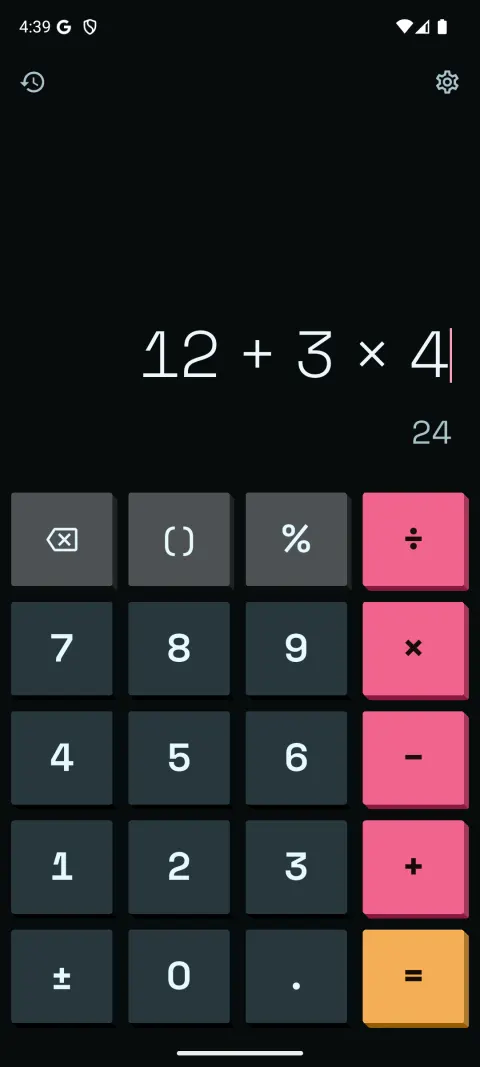
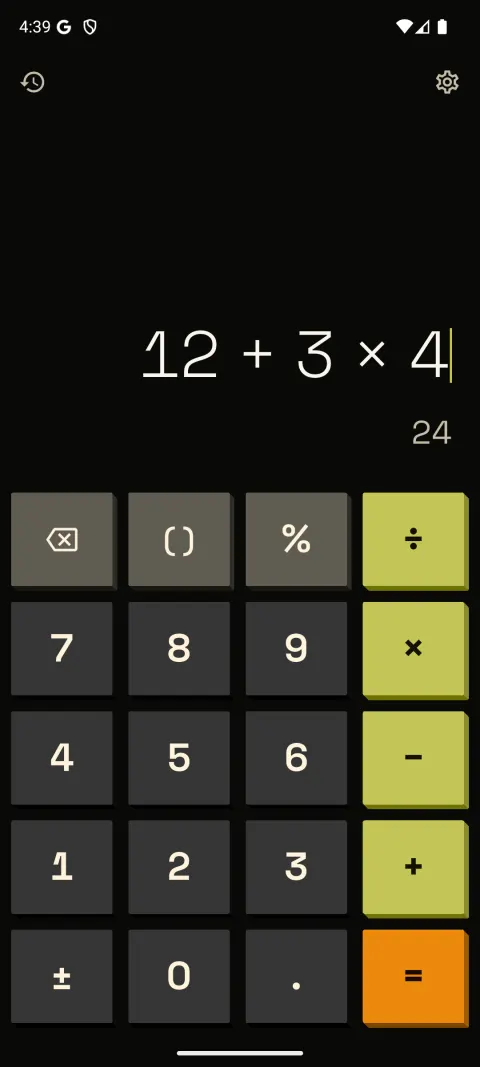
NeoPOP
A dark base, flat saturated colour and hard extruded edges. Keys drop into the case when you press them.
- Press
- Moves down, no tint
- Sound
- Pop
-
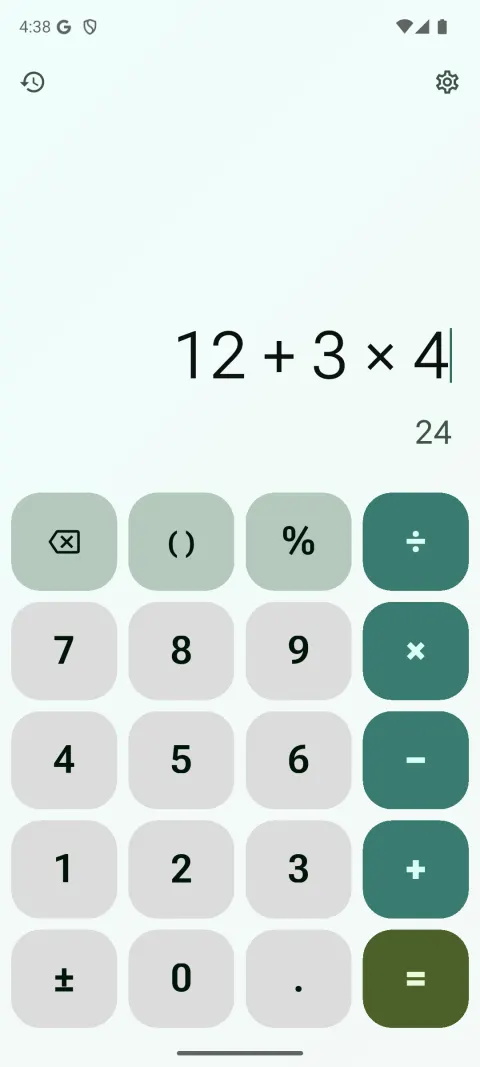
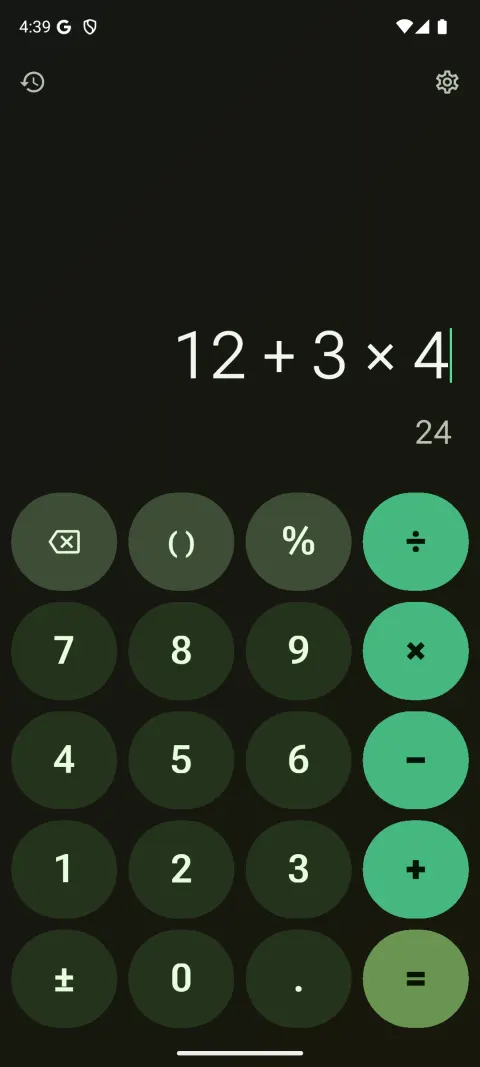
Material 3 Expressive
Tonal colour and bold type, with round, pill and squircle keys and cookie-shaped operators that change shape as you press.
- Press
- Corners squeeze, the key springs back
- Sound
- Soft tap
How the themes work
- Swipe the display for a new theme. Your sum stays where it was.
- Swipe back and the last theme returns exactly, so a good one is never lost by accident.
- Lock theme in settings keeps the one you have.
- Hand-made themes, like Midnight Lens and Mango Sticker above, turn up every few swipes between the generated ones.
- Settings, history and dialogs change with the theme too: handwritten titles in Paper and ink, cut corners in Cyberpunk, thick outlines in Neo-brutalism.
- Every theme is checked for contrast before you see it. Turn on Accessible themes for 7:1 contrast.
Under the themes it is a full calculator: a scientific mode, a unit and currency converter, amounts in words and in lakh and crore, and a left-handed layout.

Get a new look every swipe
Calsee is free on Android and iPhone, with no ads and no account, and works offline.
Questions
Is there a calculator app with aesthetic themes?
Calsee is a calculator for Android and iPhone that changes its whole look when you swipe the display: colours, key shapes, press animation, type, background and key sound, in one of twelve styles.
How many themes does Calsee have?
Themes are generated on your phone from a seed, so there are millions of combinations across twelve styles. Hand-made themes turn up every few swipes.
Can I keep a theme I like?
Yes. Turn on Lock theme in settings and swiping stops changing the theme. Swiping back also returns the previous theme exactly.
Are the themes easy to read?
Every theme is checked for contrast before you see it. Accessible themes raises that to 7:1 contrast and keeps settings plain.
Is Calsee free?
Yes. Calsee is free, has no ads and no account, and works offline.
Can I make my own theme or share one?
Not yet. You cannot edit colours by hand, and sharing themes with a link is coming in a later update.